TennoTools Profile Check

Local live-check for the Warframe public profile endpoint — fetch a profile, parse it, run 13 frozen validation checks, get a verdict.

node ≥ 22.12 TypeScript 7 58 tests passing network — local-only

What it is

a canary for the community parsers

Digital Extremes can change the profile payload any day. Profile Check fetches one live profile, runs it through the community parsers, and tells you whether the invariants the ecosystem relies on still hold — so a break shows up here, loudly, before it reaches users.

  • 13 frozen checks — v1 labels and critical flags, verdict ok / warnings / broken.
  • Live progress — SSE stream: fetch → parse → validate → persist.
  • Run history — every run stored locally in SQLite (data/app.sqlite).
  • Find my Account ID — a temporary Chromium for a manual warframe.com login; your id is detected and saved, nothing else.
  • Optional ScraperAPI fallback — one retry on network failure; the key never leaves the machine.
  • Local-only by design — GUI and API both on 127.0.0.1, no telemetry of any kind.
Screenshots

the local GUI — black & gold
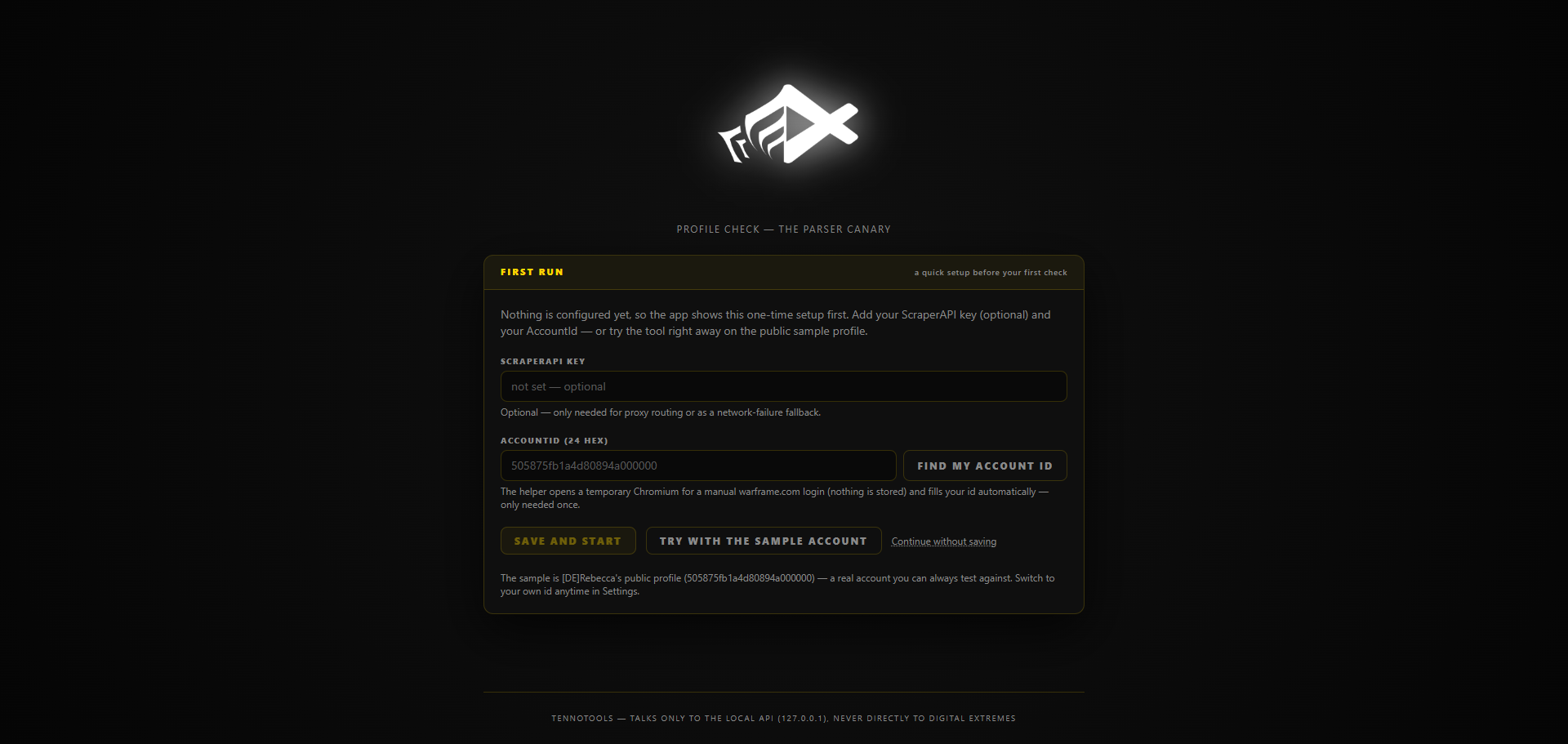
First-run wizard
First run — the /init wizard: key (optional), AccountId or the public sample. No nav until the app is configured.
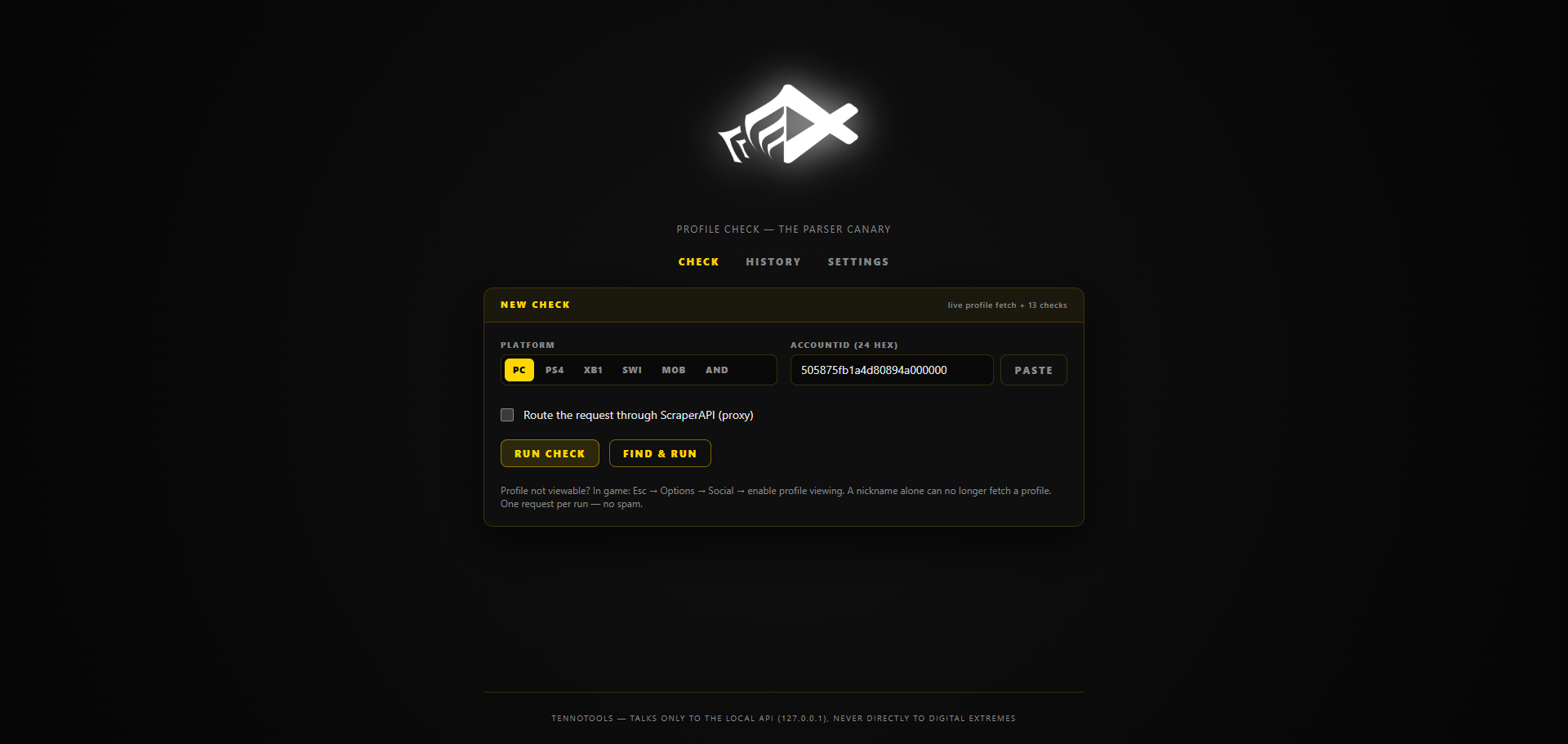
Check page
Check — platform, pasted or saved AccountId, one request per run.
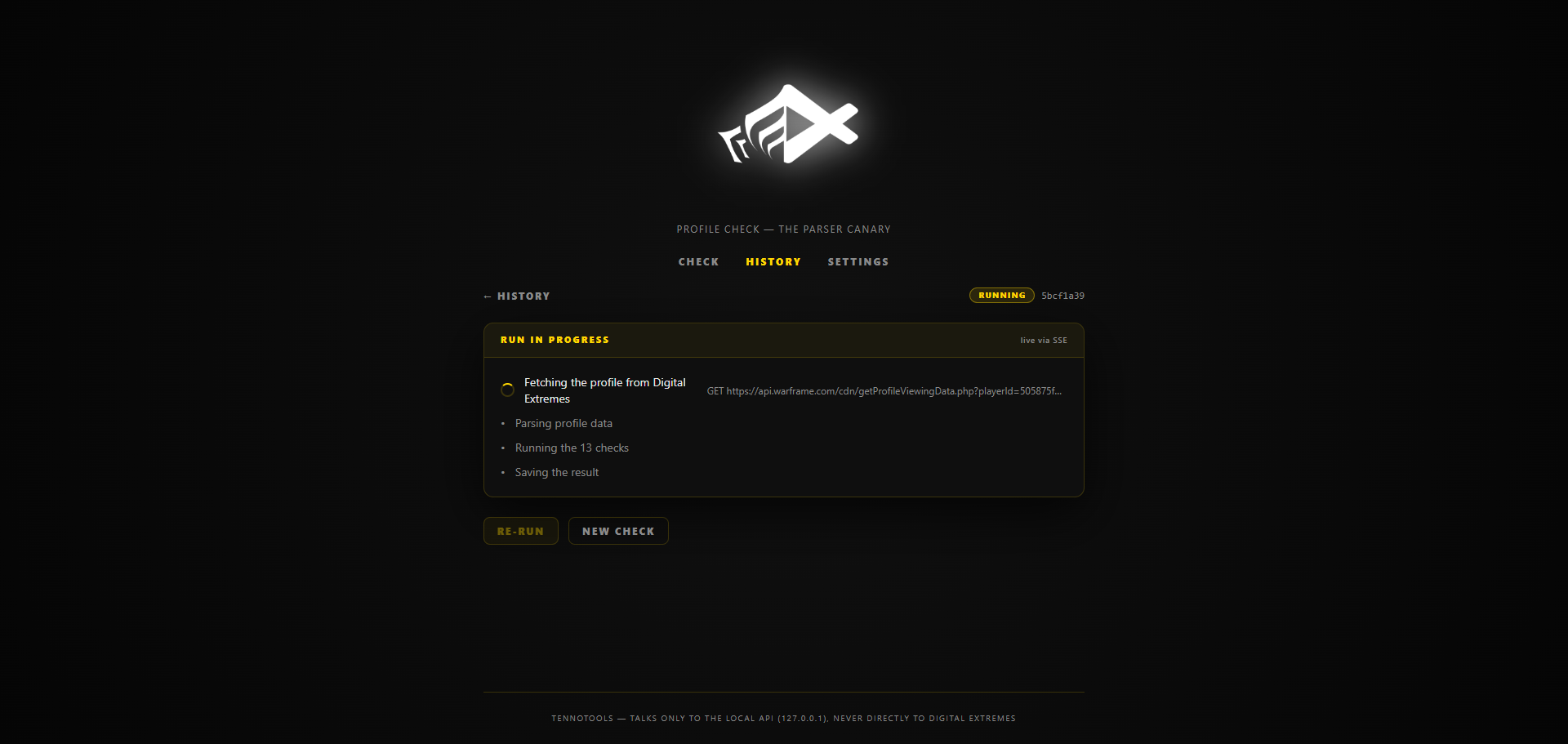
Run in progress
Run in progress — live SSE progress: fetch → parse → 13 checks → save; the exact request URL is shown.
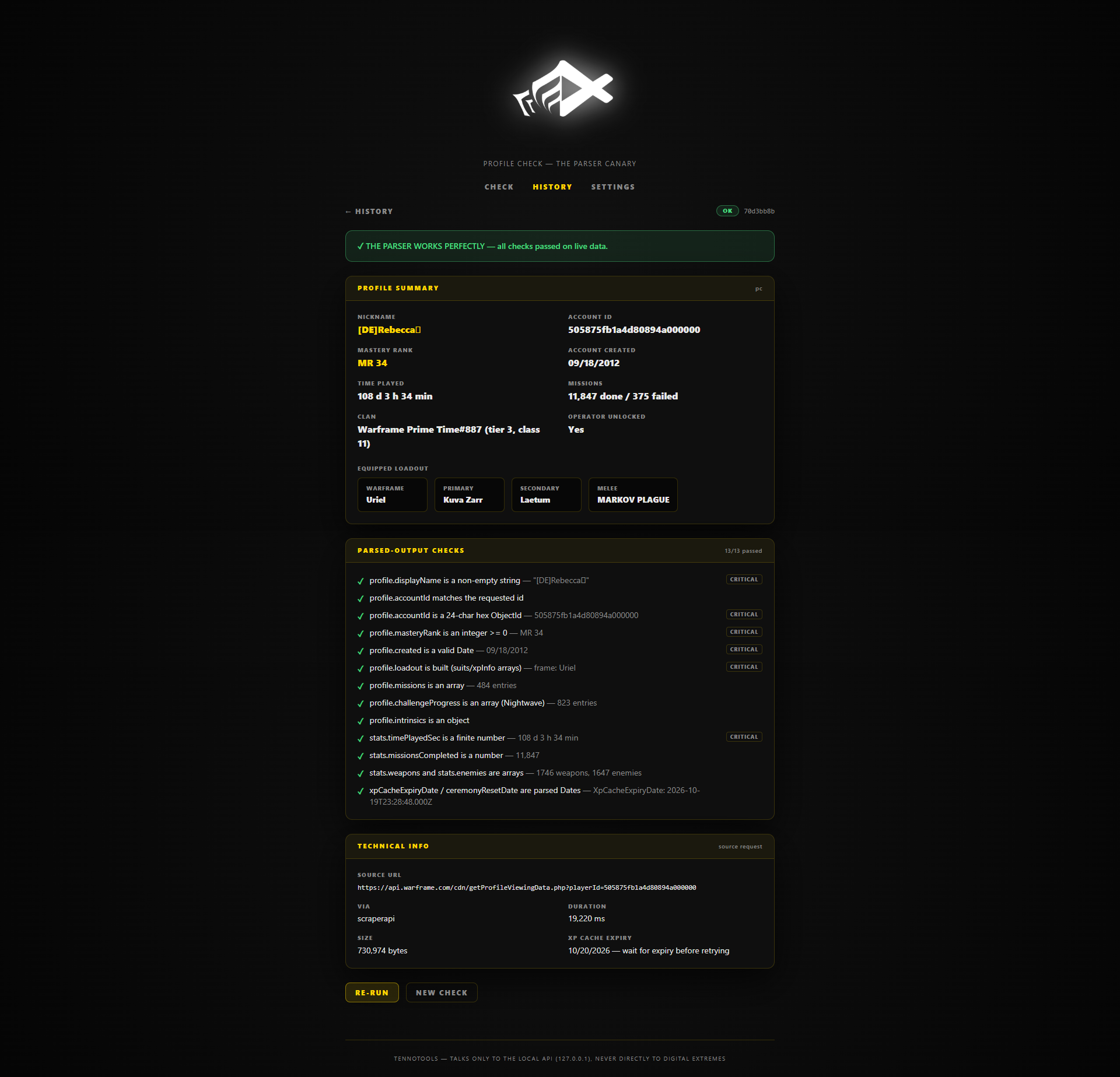
Finished run page
Run page — the finished run: verdict banner, profile summary, all 13 checks with their values, and the technical info (request URL, duration, cache expiry).
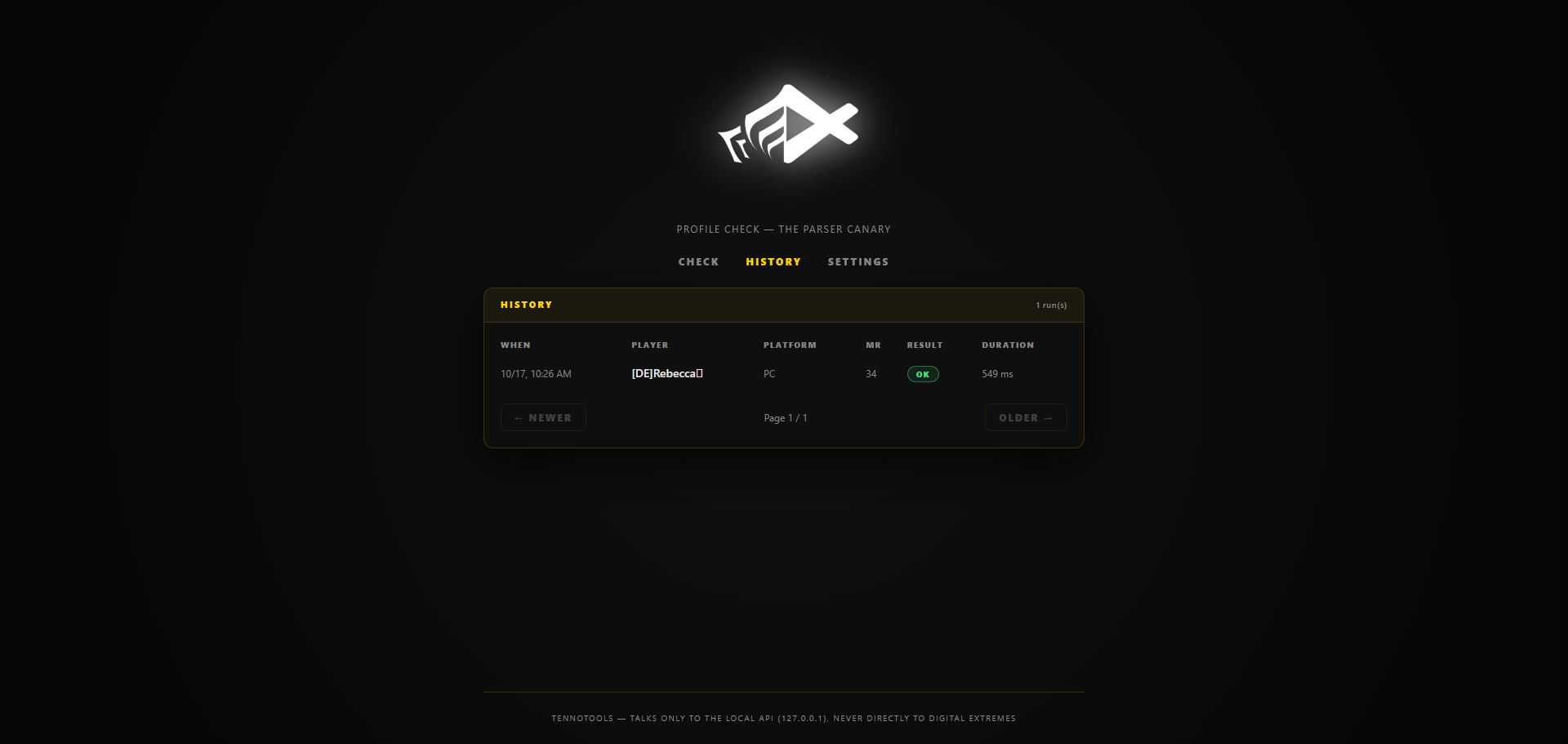
History page
History — every run with player, platform, MR, verdict and duration.
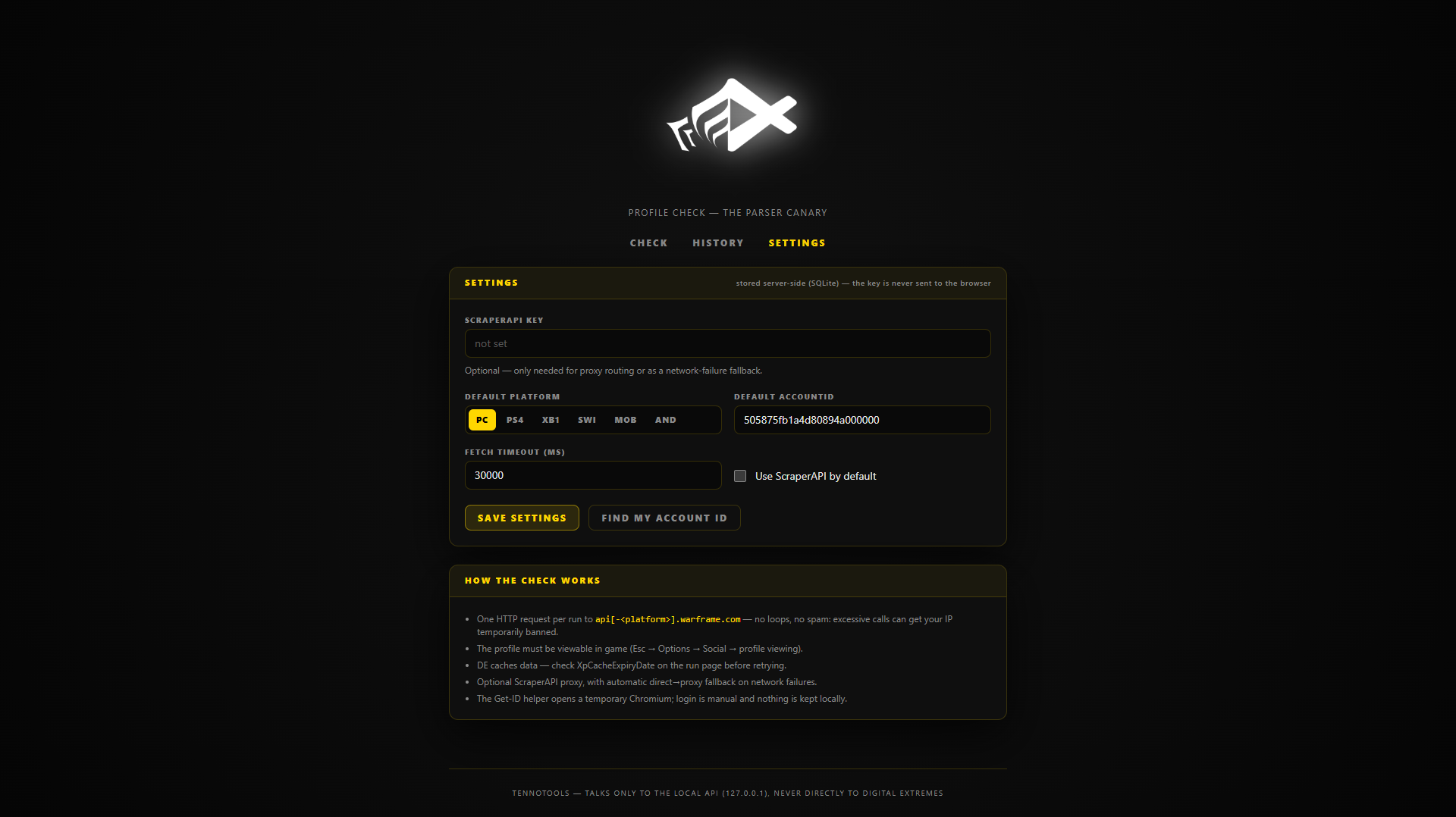
Settings page
Settings — the ScraperAPI key stays server-side (SQLite) and is never sent to the browser.
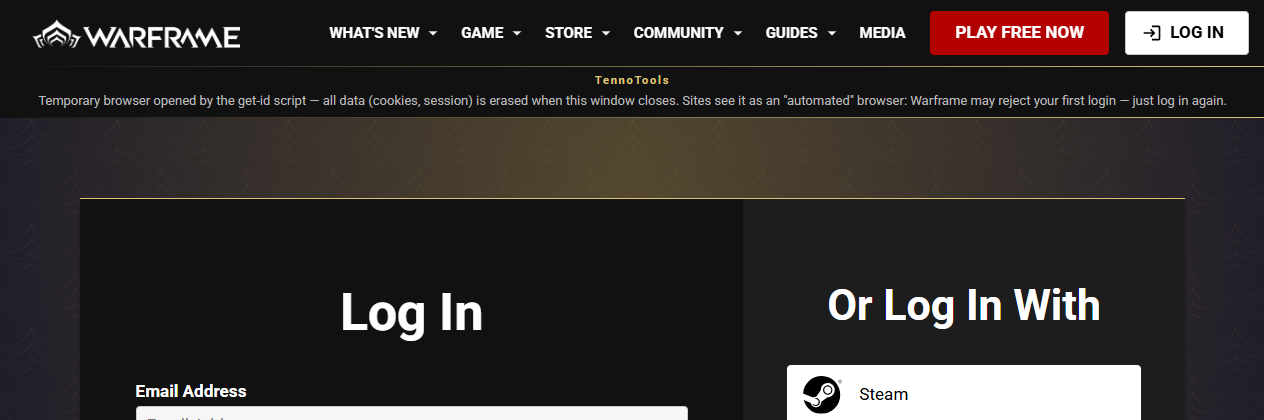
Find my Account ID in action
Find my Account ID — the temporary browser with its TennoTools banner; login is manual, nothing is kept.

Quick start

Node ≥ 22.12, npm ≥ 10
git clone https://github.com/TennoTools/profile-check
cd profile-check
npm install
npx playwright install chromium   # only needed for the "Find my Account ID" helper
npm run dev                        # API on :8787 + GUI on http://localhost:5173

…or the single-process production mode:

npm run build   # typechecks + builds the GUI
npm start       # API + GUI on http://127.0.0.1:8787

Next: the first-run wizard, the 13 checks, or an offline run with npm run check:offline (no network at all).